
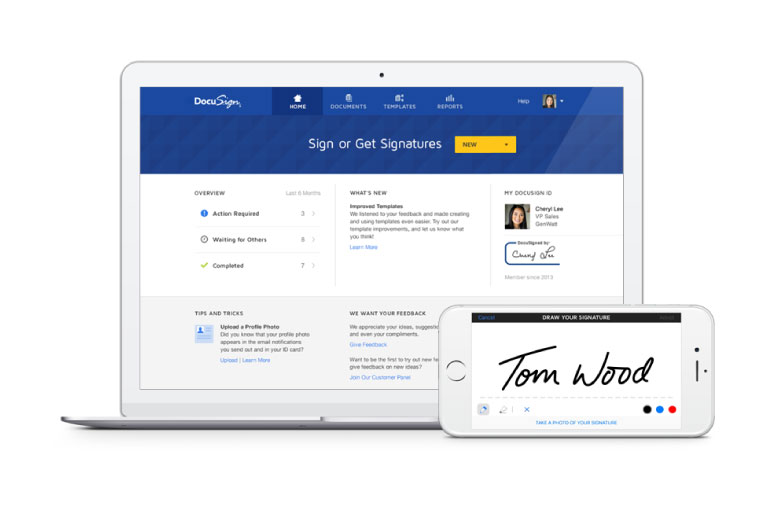
Why using digital signatures is better for you. We use DocuSign to make it quick and easy for you to sign your initial documents and suitability reports digitally. No printing, no post, no ink. Here is a quick breakdown on what that means for you.
- No more delays while your documents are in the post
- Sign and return your documents in just a few clicks
- Any time, on any device, no printing needed
- Colour coding makes it clear where you need to sign
- You will have easy online access to your important documents
- Your signature and your documents are secure
It could not be easier
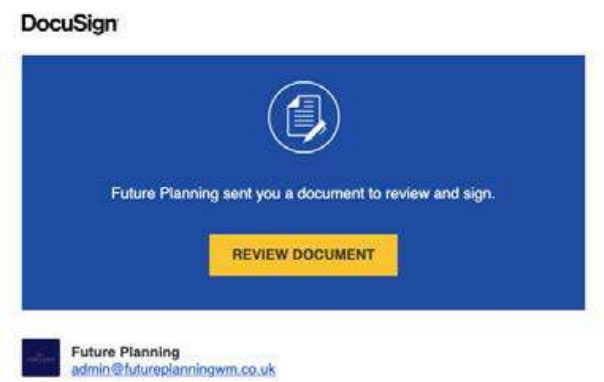
Next time you have some paperwork to sign via DocuSign, we will send you an email with a link to review your initial documents or suitability report. Simply click on the button and follow the instructions to create and use your signature.
1. You will receive an email from us asking you to review your documents, so please click "Review Document" to continue
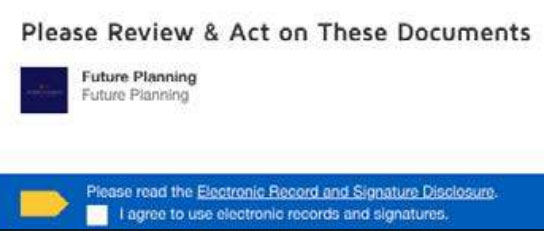
2. Agree to sign electronically: Review the disclosure and select the check box “I agree then click "Continue” to begin the signing process.
3. To start the signing process, click the “Start” tab to begin the signing process. You are taken to the first tab requiring your action.

4. Verify your name: Verify that your name and initials are correct. If not, change them as needed and the click adopt and sign underneath.
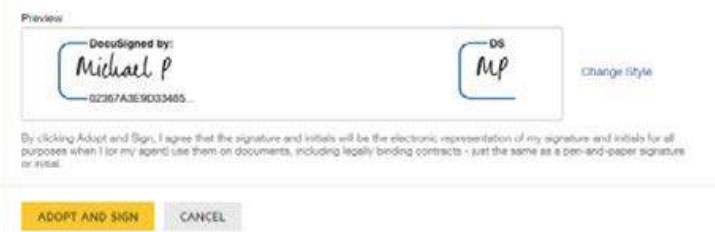
5. Once you have verified your name, DocuSign will then input your signature for you. You will then need to click "Finish"

It is as simple as that. You will be emailed a copy of the signed initial documents
or Suitability Report afterwards.
Do you have any questions?
If you have any questions, get in touch with our Future Planning team on 01793 575553 or admin@futureplanningwm.co.uk we are always happy to help.
